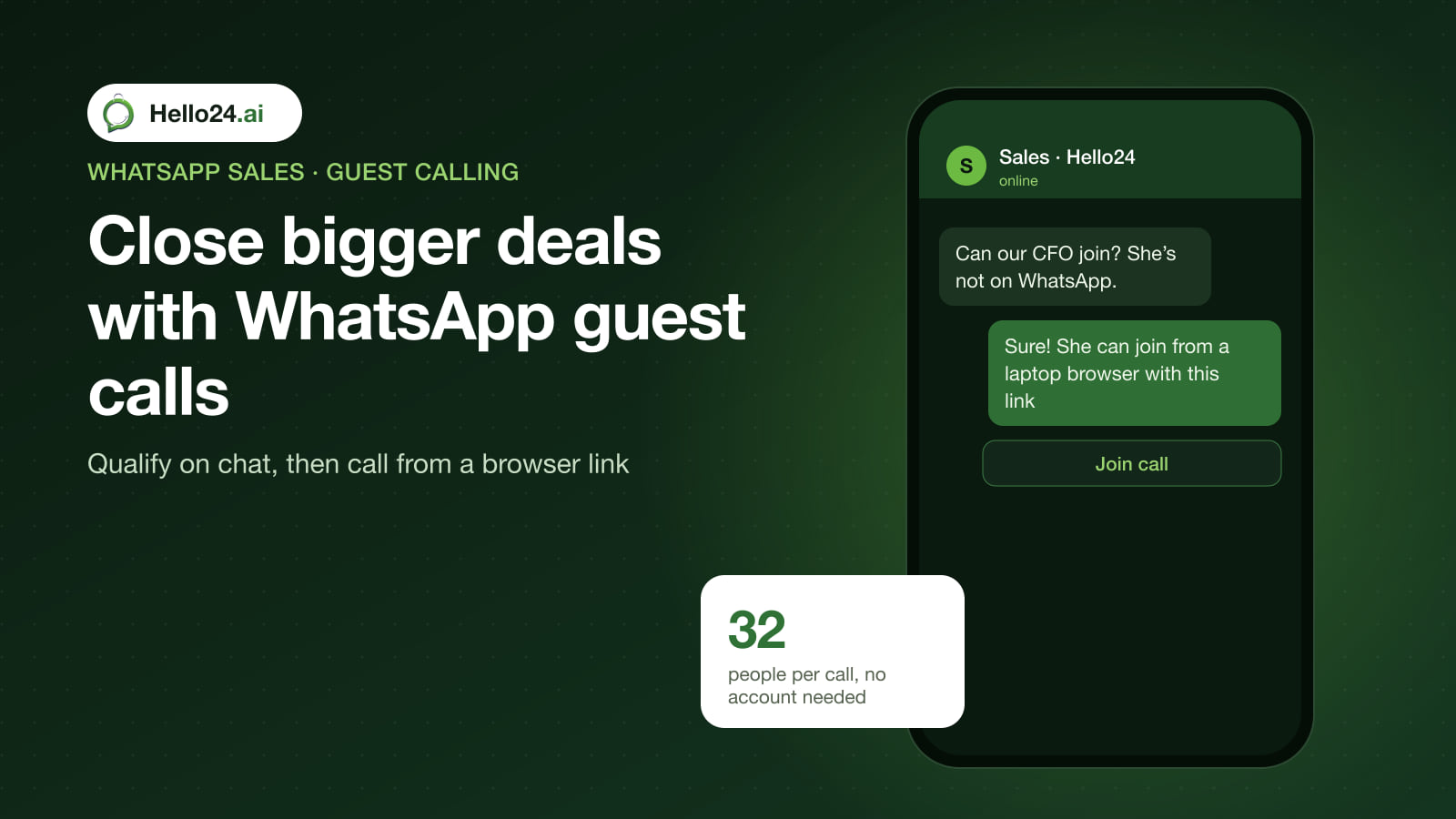
On 14 October 2026, WhatsApp launched guest calling: anyone can join a WhatsApp voice or video call from a link, in a computer browser, without a WhatsApp account. The host creates a call link in WhatsApp, the guest opens it, types a name and waits for the host to let them in. Calls are free, end-to-end encrypted, have no time limit and hold up to 32 people.
For sales teams, that removes one of the last reasons to move a hot WhatsApp lead to Zoom or Google Meet: the buyer’s finance head or IT lead can now join the same WhatsApp call from a laptop.
Key facts
| Item | Detail |
|---|---|
| Announced | 14 October 2026, rolling out gradually on the latest app versions |
| Who can create a link | Only people with a WhatsApp account: Calls tab → + → create call link → share it |
| Who can join | Anyone with the link, from a computer browser; no WhatsApp account needed |
| Approval | Every guest waits until the host admits them; the host can remove guests at any time |
| Size and length | 1:1 or group calls with up to 32 people, no time limit |
| Cost | Free for the host and guests |
| Guests can | Use voice and video, share their screen, react with 👍 or ❤️, raise a hand |
| Guests can’t | See other participants’ phone numbers, send chat messages, add other people |
| Mobile browsers | Not announced; WhatsApp only mentions computer browsers |
| Calendar invites | WhatsApp says Google Calendar and Outlook plugins for adding call links to invites are coming later this year |
Why it matters for high-value sales
WhatsApp is where many buyers start a conversation with a brand, especially in India, the Middle East and Latin America. But high-ticket purchases rarely close in text alone:
- D2C: a ₹60,000 robot vacuum, a mattress or a custom jewellery order often needs one call to answer doubts.
- B2B: a decision usually includes someone who doesn’t use WhatsApp for work, such as a procurement manager, a CFO or an overseas partner.
Until now, the rep had to move the conversation to another tool and send a meeting link from it. With guest calling, the rep stays in WhatsApp, and anyone who isn’t on WhatsApp joins from a browser.
A simple escalation flow: qualify on chat, close on a call
- Capture the lead on WhatsApp. Click-to-WhatsApp ads, a WhatsApp link on your product pages, or a QR code on packaging and in stores.
- Qualify automatically. A chatbot asks three to five questions: budget, timeline, team size or order value, and the product of interest. Hello24’s lead qualification flows do this with buttons and save answers to your CRM.
- Route by value. Low-value leads get self-serve answers and a checkout link. High-value leads are handed to a sales rep in the shared inbox with the bot’s answers attached.
- Offer a call on the spot. The rep sends a WhatsApp call link with a short note: “Want to talk it through? Join from your phone, or from a laptop here, no WhatsApp account needed. Feel free to bring your finance team.”
- Admit, demo, close. Admit guests from the waiting room, share your screen for a product walkthrough, and send the quote or payment link in the WhatsApp chat right after.
- Follow up in the same thread. The call happened next to the chat, so the quote, payment reminder and onboarding messages all stay in one place.
Tips and limits to plan around
- Send the link from the right phone. Call links are created in the WhatsApp app. WhatsApp’s announcement doesn’t say whether the WhatsApp Business app or numbers on the WhatsApp Business API support them, so test from your sales team’s phone before you rely on it.
- Guests need a computer. Joining by link without an account is announced for computer browsers only. Customers on mobile can join through their own WhatsApp app.
- Approve every guest. The waiting room protects you from link-sharing, but someone has to be on the call to admit people. Don’t send a link and arrive late.
- Write down what was agreed. Guests can’t use the call’s chat, so send a recap in the WhatsApp conversation afterwards.
- For calls at scale, look at the Calling API. Businesses on the WhatsApp Business API can take calls from customers, and in most countries place calls to them, through Meta’s WhatsApp Business Calling API. Business-initiated calls aren’t available in the US, Canada, Egypt, Vietnam or Nigeria, and the number needs a daily messaging limit of at least 2,000.
How Hello24 helps
Hello24 handles the part before and after the call: click-to-WhatsApp lead capture, chatbot qualification, routing hot leads to the right rep in a shared inbox, CRM sync with Zoho CRM or Google Sheets, and follow-ups with quotes and payment links. Your reps spend their call time on qualified buyers.
Book a demo to see a qualification flow built for your products.
Frequently asked questions
Can someone join a WhatsApp call without a WhatsApp account?
Yes. Since 14 October 2026, a person with the call link can join from a computer browser by typing their name and waiting for the host to admit them.
Is WhatsApp guest calling free?
Yes. WhatsApp says creating call links and joining as a guest cost nothing, and there is no time limit.
How many people can join a WhatsApp guest call?
Up to 32 people, once the host admits them.
Can guests join from a mobile browser?
WhatsApp has only announced guest joining from computer browsers. People on mobile can join with the WhatsApp app.
Can guests see my phone number?
No. Guests can’t see other participants’ phone numbers, send messages or add other people to the call.
Does guest calling work with the WhatsApp Business API?
WhatsApp’s announcement covers call links made in the WhatsApp app and doesn’t mention the Business API. API numbers can use the separate WhatsApp Business Calling API for voice calls with customers.
Sources
- WhatsApp blog: Now you can invite anyone to a WhatsApp call (14 October 2026)
- Meta for Developers: WhatsApp Business Calling API (read 16 November 2026)