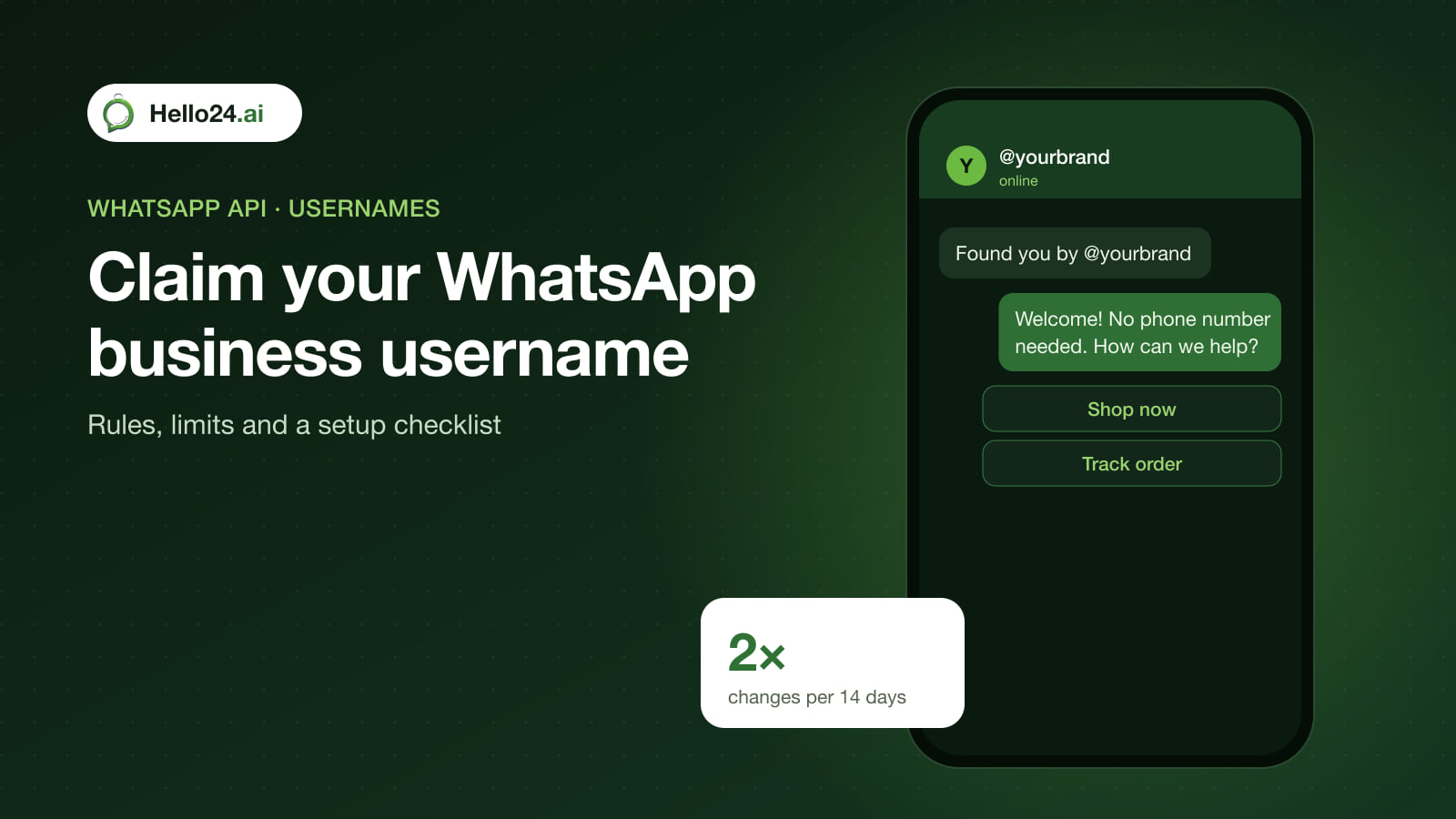
WhatsApp is rolling out usernames. Once usernames are live in a region, customers can start a chat with a business by its username instead of its phone number, and both the username and the number appear on the business profile. Businesses on the WhatsApp Business Platform can reserve a username now in WhatsApp Manager or Meta Business Suite. Meta now lets each business number change its username at most twice in any rolling 14-day period, so pick it carefully.
Key facts
| Item | Detail |
|---|---|
| Rollout | Gradual through 2026; reservations opened 29 June 2026, and a reserved name goes live when usernames launch in your region |
| Where to set it | WhatsApp Manager or Meta Business Suite (Platform/API numbers) |
| Scope | One username per business phone number; each number of a multi-number brand needs its own |
| Length and characters | 3–35 characters: English letters, digits, . and _, with at least one letter |
| Not allowed | Starting or ending with ., two dots in a row, starting with www., ending in a domain suffix such as .com |
| Change limit | 2 changes per number in any rolling 14 days; deleting doesn’t reset the count (API error 130429 when exceeded) |
| Old usernames | Held for 60 days after a change or deletion; nobody else can claim it meanwhile |
| Privacy | A business username doesn’t hide the business’s phone number |
Why it matters for brands
- Easier to find and remember. “@yourbrand” is easier to share on packaging, ads and Instagram than a 12-digit number.
- Grab it before someone else does. Reserved usernames are held for your business account, and other accounts can’t claim them.
- Customer phone numbers may disappear from your data. Customers can adopt usernames too. When they do, Meta identifies them by a business-scoped user ID and may leave the phone number out of incoming webhooks (more below). That affects CRMs, order matching and broadcast lists.
Checklist: claim your business username
- Choose the name. Use your brand name as people type it, such as
yourbrandoryourbrand_infor a country number. Avoid dots and underscores that customers will forget. Remember: no.comat the end. - Check every number. If you run separate numbers for sales, support or countries, plan a username for each:
yourbrand,yourbrand.support,yourbrand_uae. - Link Facebook and Instagram if asked. If a matching Facebook Page or Instagram account exists, Meta may ask you to link your WhatsApp number first. That needs full control of the business portfolio, or partial access with permission to manage phone numbers.
- Reserve it. In WhatsApp Manager go to Phone numbers → Profile → Username → Create, enter the name and save. Meta Business Suite has the same option under WhatsApp accounts.
- Don’t experiment on the live name. With only two changes per 14 days, decide before you save. An abandoned username stays blocked for 60 days.
- Update your channels when it goes live. Add “@yourbrand on WhatsApp” to your website, Instagram bio, packaging inserts and email footer, next to your WhatsApp link and QR code.
- Keep your number-based links. Phone-number links and QR codes keep working, so don’t remove them. Usernames add a way in; they don’t replace your number.
What changes for your API data
Businesses on the API should prepare their systems now:
- Every customer now has a business-scoped user ID (BSUID), which appears in webhooks as
user_idand looks likeUS.13491208655302741918. It is unique to your business portfolio and changes if the customer changes phone number. - If a customer adopts a username, their phone number may be missing from webhooks unless you messaged or called each other within the last 30 days on that number, or they’re in your contact book.
- You can send most message types to a BSUID, but some authentication templates (one-tap, zero-tap and copy-code) still need the phone number.
- Meta requires all partners and directly integrated businesses to support BSUIDs, so check that your WhatsApp provider and CRM match customers by user ID, not by phone number alone.
How Hello24 helps
Hello24 is a Meta Tech Partner on the official WhatsApp Business API. On a demo call, ask our team how usernames and user IDs affect your campaigns, chatbot flows and order updates. Make your number-based entry points today with the free WhatsApp link generator and QR code generator, or book a demo.
Frequently asked questions
Can customers message my business by username?
Yes, once usernames are available in their region. They can start a chat with your username without knowing your phone number. Your number still shows on your business profile.
How do I reserve a WhatsApp business username?
In WhatsApp Manager, open your phone number’s profile, choose Username, then Create. You can also do it in Meta Business Suite under WhatsApp accounts.
How many times can I change my WhatsApp business username?
Twice per phone number in any rolling 14-day period. Deleting a username doesn’t reset the count, and the old name is held for 60 days.
What characters can a WhatsApp username use?
3 to 35 English letters, digits, periods and underscores, with at least one letter. It can’t start or end with a period, contain two periods in a row, start with “www.” or end with a domain suffix like “.com”.
Does a username hide my business phone number?
No. Meta says business usernames aren’t a privacy feature; your number stays on your profile.
Will I still get customers’ phone numbers through the API?
Not always. If a customer uses a username, Meta may send only their business-scoped user ID unless you’ve been in touch in the last 30 days or they’re in your contacts.
Sources
- WhatsApp Help Center: How to reserve and manage usernames on WhatsApp Business Platform (read 16 November 2026)
- Meta for Developers: Business-scoped user IDs and usernames (read 16 November 2026)