
Generate Your Custom WhatsApp QR Code - Free & Instant

Connect with leads offline or online in seconds.
WhatsApp QR Code Generator

How It Works—3 Simple Steps

  1. Enter Your Number
    Type your full phone number with country code (no “+”).
  2. Customize Your Message
    Add a pre-filled greeting (Eg: “Hello, I’m interested in your products”) or leave blank.
  3. Generate & Download WhatsApp QR Code
    Click Generate QR Code, then export the high-resolution PNG for web or print.
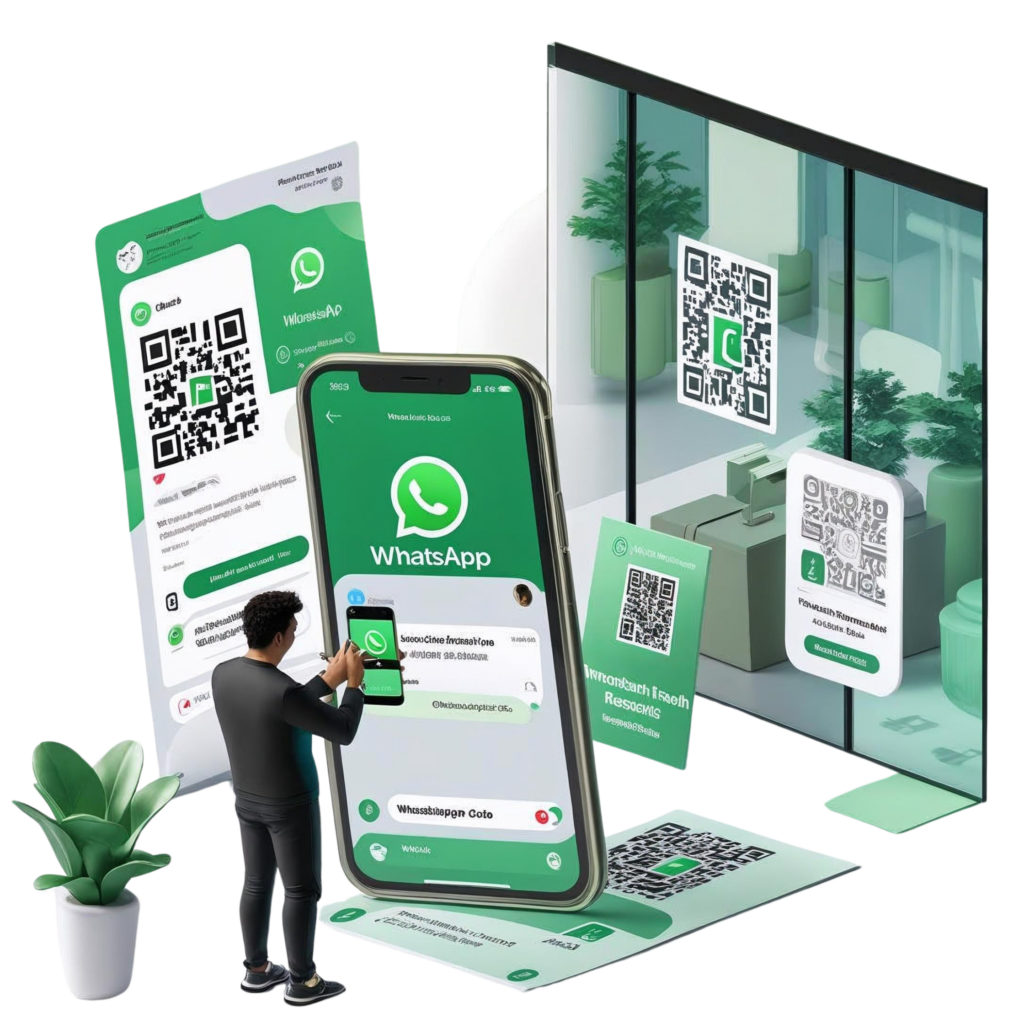
Create a modern, professional landing page illustration showing a large smartphone screen with a WhatsApp chat open. A user is scanning a WhatsApp QR code from a flyer or storefront using their phone. Surrounding the scene, include elements like product packaging, a business card, a storefront window, and a social media post, all displaying a visible QR code. Add subtle icons or labels like “Instant Engagement,” “Higher Conversion,” “Trackable Results,” and “Omnichannel Reach” near each item. Use a clean, light background with green and white accents to reflect WhatsApp’s branding.

3 Essential Tips to Use Your WhatsApp QR Code Effectively

Add a Clear Call-to-Action (CTA)

Pair the code with a simple instruction like “Scan to Chat” or “Scan for Instant Support” so users know exactly what to do.

Track & Optimize

Append UTM parameters or integrate with your analytics tool to monitor scans, measure engagement, and fine-tune your campaign.

Offer Immediate Value

Incentivize the scan—e.g., “Scan now for 12% off,” “Get instant answers,” or “Try for free”—to drive more interactions and conversions.

Want to see how Hello24ai can connect your QR Code to a WhatsApp Chatbot that boosts sales 3x?